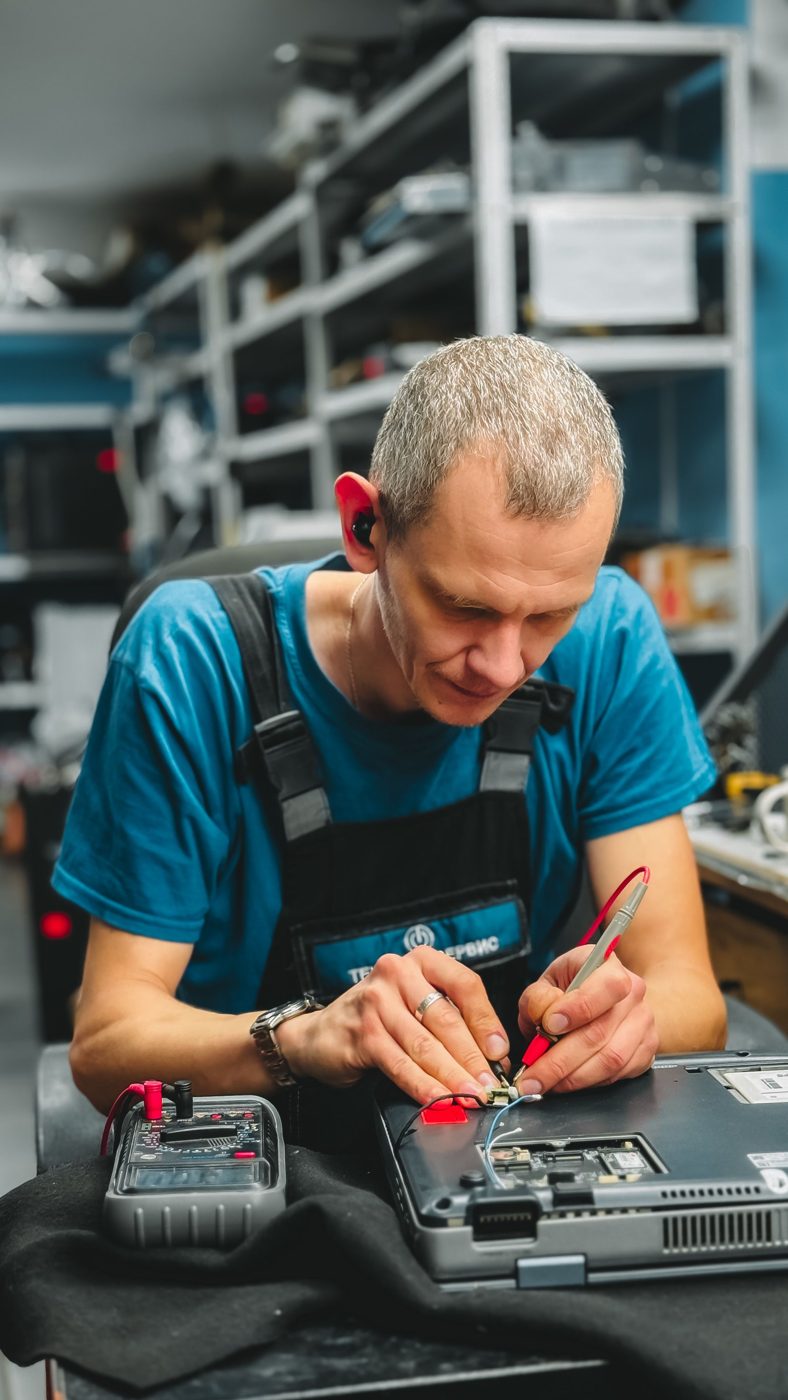
Record the conditions
Ask when the problem began and what happens immediately before it. Does it occur on battery, on external power, during a particular task or after a recent change? Record error messages and previous repair attempts. Details that seem minor can help a technician reproduce an intermittent complaint.
Protect the customer’s information
Discuss the importance of the data and what access is required before starting work. Where practical, arrange a backup or agree the appropriate next step. If the device cannot start or storage appears unreliable, explain the limits of ordinary backup methods. Do not treat permission to diagnose as unlimited permission to erase files.
Test alternatives deliberately
Software, storage, memory, power delivery and thermal conditions can produce overlapping symptoms. A useful diagnostic step changes or measures something relevant to one explanation. Keep a record of the observation and what it suggests. Replacing several parts at once may make it harder to determine which change mattered.
Report findings plainly
Tell the customer what has been established, what remains uncertain and what further work would resolve that uncertainty. A teardown score describes construction and service access; it does not diagnose an individual laptop. [10] Our view is to connect every repair recommendation to the observed fault and the evidence gathered.
Sources & further reading
Research checked for this issue on 5 October 2026. Publication dates refer to the source; practical examples are labelled in the text.
- iFixit / Chamberlain, Mokhtari and Frauenheim
MacBook Neo Is the Most Repairable MacBook in 14 Years ↗
13 March 2026
Work photographs are representative examples of the activity described. They are not evidence of a specific TANEVOR, NVIDIA, FAO or BRIDGE project. Product photographs show the model identified in their captions.