The update | 13 March 2026
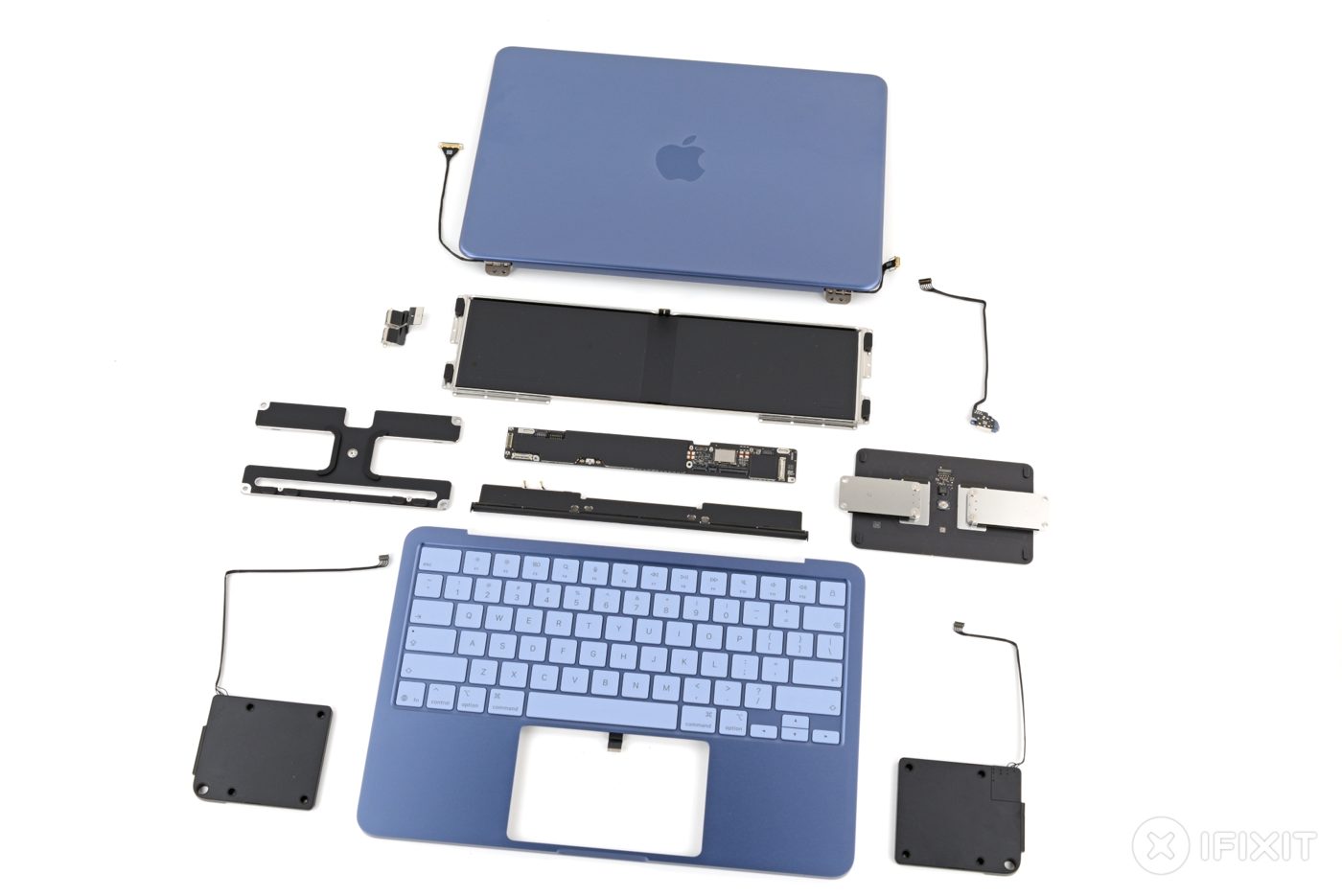
iFixit awarded MacBook Neo 6/10 for repairability and described it as the most repairable MacBook it had examined in about fourteen years. The team found a battery attached with screws, modular ports and an unusually accessible internal layout. The score is a teardown assessment, not a measured failure rate or a guarantee of low repair prices. [10]
History: thin devices and difficult repairs
In its account, iFixit contrasts this design with years of glue, buried components and difficult access in MacBooks. A flatter disassembly sequence reduces how many parts must be removed to reach another. The Neo still has drawbacks, including soldered memory and storage and a keyboard repair that takes considerable work. [10]
Why function affects maintenance
A charging port, battery or display can be a common service point. When it can be reached and replaced without extensive disassembly, a technician has fewer operations to perform. The potential benefit is less labour and disturbance of adjacent parts. Actual savings still depend on parts supply, fault type and technician skill.
Statement from the teardown authors
Elizabeth Chamberlain’s iFixit article, written with Shahram Mokhtari and Carsten Frauenheim, argues that affordability and improved repairability can coexist. That conclusion is grounded in their inspection of the Neo’s construction. [10]
Evidence versus a diagnosis
A teardown tells us how a product is assembled. It does not diagnose a customer’s individual machine. Random restarts, charging failures and file corruption need a fault-specific investigation. Document the symptoms, protect data where possible and test competing explanations before replacing parts. A Windows reinstall alone cannot establish that hardware is healthy.
TANEVOR view
Make the repair process understandable. Record intake condition, accessories, reported faults and authorised work. Explain diagnostic findings, parts options, price and expected limitations in plain language. After repair, test the original complaint and the functions affected by the work. Give the customer a written outcome, including any unresolved issue.
What readers should watch
Ask whether replacement parts, manuals and compatible service tools are available locally. Better internal access is valuable, but a repair business also needs an affordable supply chain. This article reports iFixit’s teardown findings and does not invent a TANEVOR repair case or success rate.
EXPLAINER
A symptom is a starting point
A customer describes what they observe: a laptop restarts, a battery does not charge or files become corrupted. That description matters, but it is not yet the cause. Diagnosis connects the symptom with tests that can distinguish competing explanations.
Record the conditions
Ask when the problem began and what happens immediately before it. Does it occur on battery, on external power, during a particular task or after a recent change? Record error messages and previous repair attempts. Details that seem minor can help a technician reproduce an intermittent complaint.
Protect the customer’s information
Discuss the importance of the data and what access is required before starting work. Where practical, arrange a backup or agree the appropriate next step. If the device cannot start or storage appears unreliable, explain the limits of ordinary backup methods. Do not treat permission to diagnose as unlimited permission to erase files.
Test alternatives deliberately
Software, storage, memory, power delivery and thermal conditions can produce overlapping symptoms. A useful diagnostic step changes or measures something relevant to one explanation. Keep a record of the observation and what it suggests. Replacing several parts at once may make it harder to determine which change mattered.
Report findings plainly
Tell the customer what has been established, what remains uncertain and what further work would resolve that uncertainty. A teardown score describes construction and service access; it does not diagnose an individual laptop. [10] Our view is to connect every repair recommendation to the observed fault and the evidence gathered.
PRACTICAL GUIDE
What a good repair handover contains
This illustrative service record shows how a repair can be explained clearly. It is a proposed operating approach, not a completed TANEVOR case study or a claim about the reliability of every repaired device.
The intake record
Identify the device, accessories, visible condition and reported fault. Note the authorised diagnostic work and contact arrangements. A statement such as “charging becomes intermittent when the connector moves” is more useful than “charging bad”, because it describes a condition that can be tested again.
The work record
Document the diagnosis, approved action and parts used. Separate observation from inference: for example, whether a connector was physically damaged, whether a fault was reproduced and what changed after the repair. Explain any additional issue before extending the scope of work.
The verification record
Repeat the original complaint where safe and practical. Check functions affected by the repair, such as charging, data connections or power operation. For an intermittent issue, state the test conditions and duration. Passing a brief test is an observation under those conditions, not a promise that no future fault can occur.
The customer’s next step
Give the result, outstanding limitations, care instructions and applicable warranty terms in writing. If the complaint remains unresolved, say so clearly. A serviceable design can reduce disassembly work, but parts availability and a methodical process still matter. The Neo’s photographed components illustrate access; they do not prove the outcome of another repair. [10]
Sources & further reading
Research checked for this issue on 5 October 2026. Publication dates refer to the source; practical examples are labelled in the text.
- iFixit / Chamberlain, Mokhtari and Frauenheim
MacBook Neo Is the Most Repairable MacBook in 14 Years ↗
13 March 2026
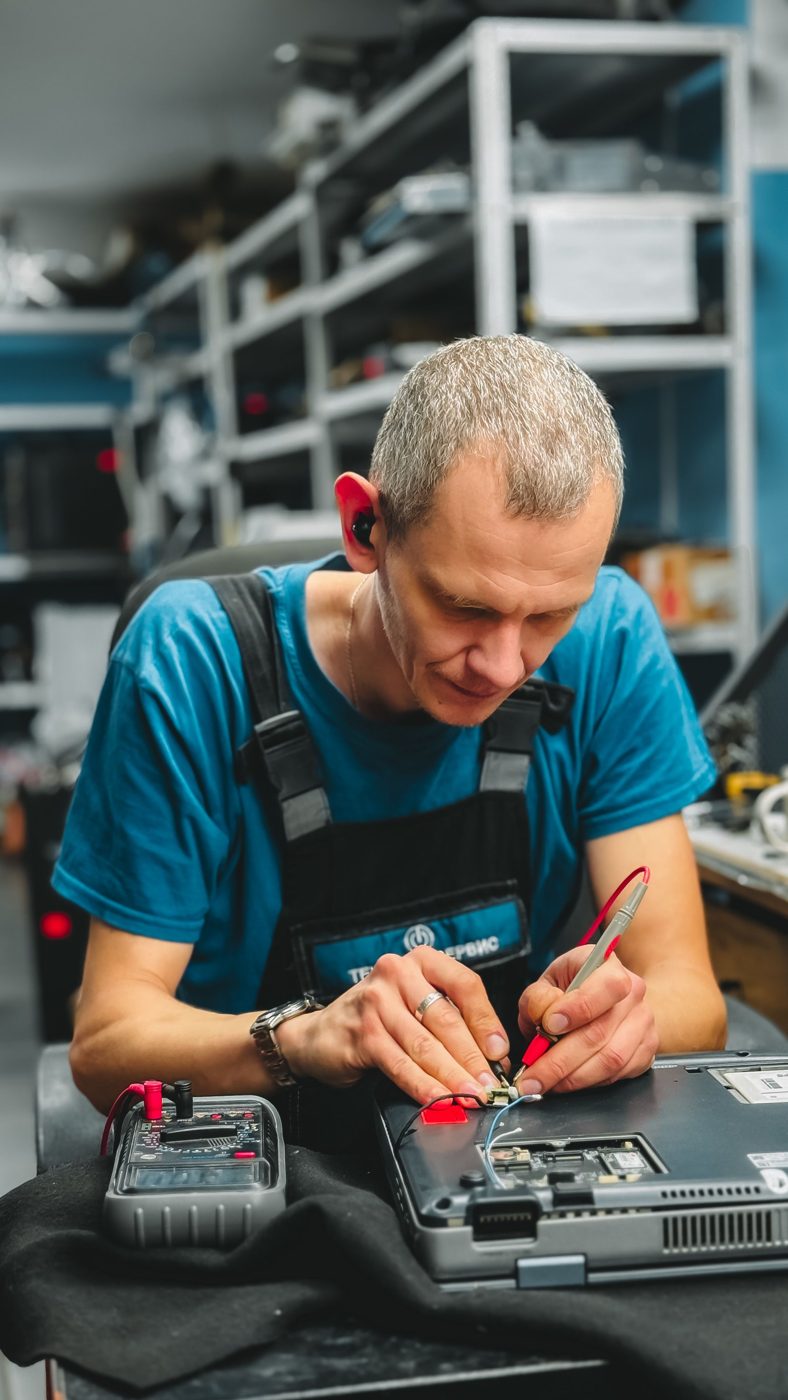
Work photographs are representative examples of the activity described. They are not evidence of a specific TANEVOR, NVIDIA, FAO or BRIDGE project. Product photographs show the model identified in their captions.